Generating a new token for accessing mCommons via API
If you are a company user using an API to access mCommons, please note that you need to generate a new bearer token. This token can then be used with any API tool you use to access mCommons.
To generate a new token, go to Your Profile > My Account.
-
Click Generate New Key available under API Key.
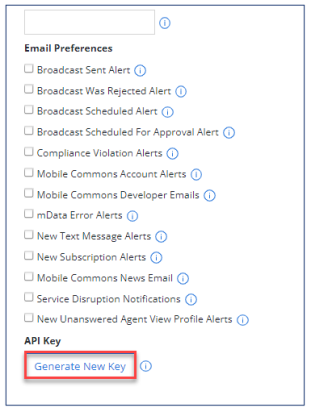
The following message appears once you click Generate New Key.
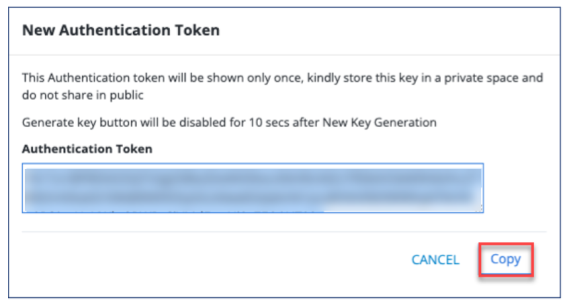
Note: If you generate a new token, it will invalidate any existing token. The authentication token will be displayed only once. Store this key securely in a private location and avoid sharing it publicly. The Generate New Key button will be disabled for 10 seconds after a new token generation.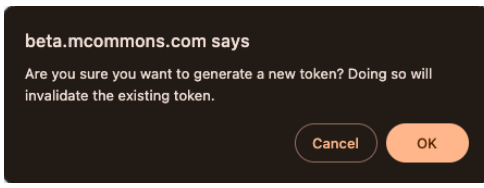
-
Select OK if you want to generate a new token. A new token will be generated.
-
Click Copy to copy the generated token.